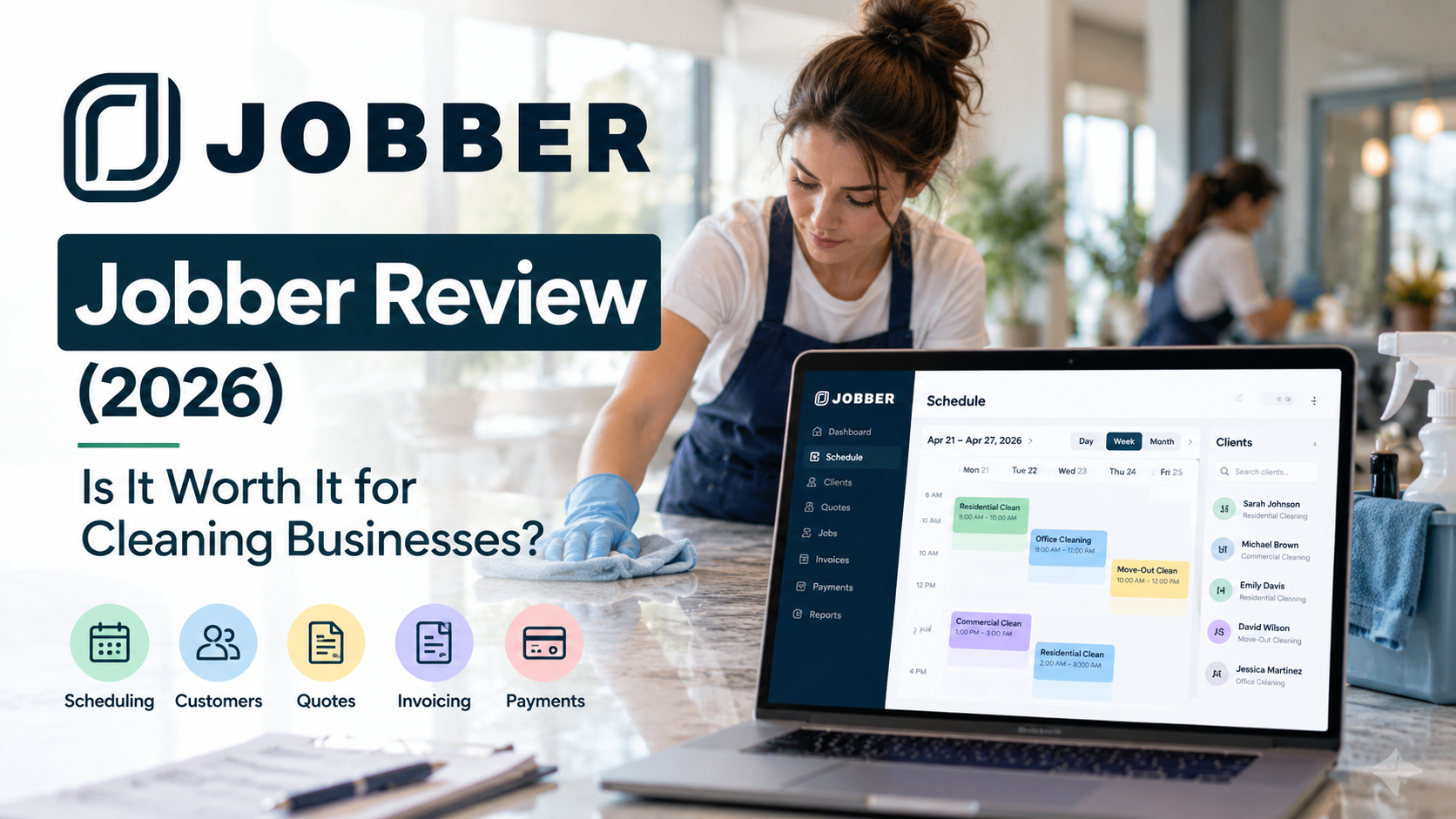
Running a cleaning business becomes more complicated as your customer list and team grow. Scheduling jobs, managing client information, sending quotes, creating invoices, collecting payments, and keeping recurring work organized can quickly become difficult when these tasks are handled across separate tools.
Jobber is a business management platform built for home and field service businesses, bringing many of these everyday workflows into one system.
In this Jobber review, we’ll look at its key features, pricing, pros and cons, and how well it fits cleaning businesses so you can decide whether it is the right software for your company.
Jobber Review: Quick Verdict
Jobber is a strong option for small and growing cleaning businesses that want more than a basic scheduling tool. It combines scheduling, customer management, quoting, invoicing, payments, and other business-management features within one platform.
Its biggest advantage is the ability to manage more of the customer journey in one place—from organizing jobs and client information to getting paid.
However, cleaning businesses primarily focused on highly customizable online booking and recurring booking automation should also compare Jobber with BookingKoala.
Best for: Small and growing cleaning businesses that want scheduling, CRM, quoting, invoicing, and payments in one system.
Affiliate Disclosure: ServiceToolScout may earn a commission if you purchase through links on this page, at no additional cost to you. Our recommendations are based on independent research and comparison.
Table of Contents
What Is Jobber?
Jobber is a business management platform designed for home and field service businesses. It helps companies manage customers, jobs, scheduling, quotes, invoices, payments, and other day-to-day operations from one system.
For cleaning businesses, this can be useful when a basic calendar or spreadsheet is no longer enough. Instead of managing customer information, appointments, estimates, and payments across separate tools, Jobber can bring these workflows together.
This makes Jobber particularly relevant for small cleaning companies that are growing their customer base or adding employees and need a more organized way to manage operations.
Key Jobber Features for Cleaning Businesses
Scheduling and Job Management
Jobber provides scheduling tools that help businesses organize jobs and keep track of upcoming work. For cleaning companies managing multiple customers or cleaners, having jobs organized in one place can make daily scheduling easier to manage.
Customer Management
Customer information can be kept alongside job and service details, giving businesses a more organized view of their client relationships.
This becomes increasingly useful as a cleaning company grows beyond a small number of customers and needs a structured alternative to spreadsheets, notes, and separate contact lists.
Quotes
Cleaning businesses can use quoting tools to prepare and send estimates to prospective customers. This can be particularly useful for commercial cleaning jobs or residential services where pricing needs to be confirmed before work begins.
Invoicing
Jobber includes invoicing tools that allow businesses to create and send invoices as part of the same workflow used to manage customers and jobs.
Keeping scheduling and invoicing connected can reduce the amount of information that needs to be transferred manually between different systems.
Payments
Payment tools can help cleaning businesses create a smoother process between completing a job, invoicing the customer, and collecting payment.
Online Booking
Jobber also offers online booking capabilities, giving customers a way to request or book services online. For cleaning companies looking to generate customers through their website, this can help reduce some of the manual communication involved in arranging appointments.
Recurring Jobs
Recurring work is particularly important for cleaning businesses with weekly, biweekly, or monthly clients. Jobber can help businesses organize repeat work while keeping customer and job information within the same system.
Jobber Pros and Cons
Pros
Combines multiple business tools in one platform
Jobber can bring scheduling, customer management, quotes, invoices, and payments into one system. This can reduce the need to manage a cleaning business across several separate tools.
Good fit for growing cleaning businesses
As a cleaning company adds customers and employees, managing operations through spreadsheets and basic calendars becomes increasingly difficult. Jobber provides a more structured system for managing that growth.
Strong customer management workflow
Keeping customer information connected with jobs, quotes, invoices, and payments can make it easier to understand each customer’s history and manage ongoing relationships.
Useful for recurring cleaning work
Cleaning companies with weekly, biweekly, or monthly clients can benefit from having recurring work organized alongside other jobs.
Supports the customer journey from quote to payment
For businesses that provide estimates before starting work, Jobber can help connect several stages of the workflow—from quoting and scheduling to invoicing and paymen
Cons
May offer more functionality than a solo cleaner needs
A solo cleaning business with a small number of regular customers may not need a complete business-management platform.
Online booking is not its only focus
Jobber provides online booking capabilities, but businesses whose main priority is building a highly booking-focused workflow should also compare it with BookingKoala.
Costs can increase as your needs grow
The most suitable plan will depend on the features and capabilities your business needs. Cleaning companies should compare the current plans carefully rather than choosing based only on the starting price.
There can be a learning curve
Moving from a simple calendar or spreadsheet to a broader business-management platform may require some initial setup and time to learn the workflow.
H2:Who Is Jobber Best For?
Jobber is particularly well suited to small and growing cleaning businesses that want to manage more than scheduling alone.
It may be a good fit for:
- Cleaning companies with several employees or cleaners
- Businesses managing a growing number of customers
- Companies that need quotes, invoices, and payments alongside scheduling
- Residential or commercial cleaning businesses with recurring work
- Owners who want to replace multiple separate tools with a more centralized system
A solo cleaner with a small, stable customer list may be able to operate with simpler software. However, Jobber becomes more compelling when managing customers, jobs, estimates, invoices, payments, and team schedules starts consuming significant administrative time.
If online booking and booking automation are your biggest priorities, read our BookingKoala Review to compare the two approaches.
If you manage recurring office, retail, or other commercial cleaning contracts, see our guide to the best software for small commercial cleaning companies.
Jobber Pricing
Jobber offers multiple pricing plans designed for service businesses at different stages of growth. The right plan for a cleaning business will depend on factors such as team size and which scheduling, customer-management, quoting, invoicing, and automation features are needed.
For a small cleaning company, it is worth comparing the features included in each plan rather than choosing based only on the lowest advertised price. As the business grows, features that reduce administrative work may become more valuable than simply minimizing the monthly software cost.
When evaluating Jobber, consider how much time your business currently spends managing schedules, customer information, quotes, invoices, payments, and recurring work across separate systems.
Pricing note: Jobber’s pricing and plan features can change. Check Jobber’s official pricing page for the latest prices and included features before purchasing.
Is Jobber Worth It for Cleaning Businesses?
Jobber can be worth considering for cleaning businesses that have outgrown basic calendars, spreadsheets, or disconnected tools.
Its value is strongest when a business needs to manage several parts of the customer journey in one place. Scheduling a job is only one part of running a cleaning company; customer information, quotes, recurring work, invoices, and payments also need to stay organized.
For a growing cleaning company with multiple customers, recurring jobs, or a small team, consolidating these workflows can potentially save administrative time and make the business easier to manage.
However, Jobber may be more software than a solo cleaner with a simple schedule needs. Businesses primarily focused on online booking and booking automation should also compare BookingKoala, while businesses primarily concerned with employee management may want to consider a workforce-focused platform.
Jobber vs BookingKoala vs Housecall Pro vs Connecteam
| Software | Best For | Online Booking | Recurring Work | Main Strength |
| Jobber | Small & growing service businesses | Available | Yes | All-in-one business management |
| BookingKoala | Booking-focused cleaning businesses | Strong focus | Yes | Booking automation |
| Housecall Pro | Growing home service teams | Available | Yes | Field service operations |
| Connecteam | Employee-focused teams | Not the main focus | — | Workforce management |
Jobber vs BookingKoala
Jobber and BookingKoala can both work for cleaning businesses, but their strengths are somewhat different.
Jobber is particularly attractive for businesses that want to manage scheduling alongside customer information, quotes, invoices, payments, and other operational tasks. BookingKoala deserves stronger consideration when online booking and booking automation are at the center of the business model.
For a growing cleaning company that wants broader business-management capabilities, Jobber may be the better fit. For a business built heavily around customers booking cleaning services online, BookingKoala may be more appealing.
Want to compare both platforms side by side? Read our full BookingKoala vs Jobber comparison for differences in online booking, scheduling, CRM, invoicing, pricing, and more.
Jobber vs Housecall Pro
Jobber and Housecall Pro are both designed for service businesses and cover several overlapping operational needs.
Jobber can be a strong choice for small and growing companies looking to organize the customer journey from scheduling and customer management through invoicing and payment. Housecall Pro is also worth considering for companies that want a broader field-service workflow as their operation expands.
Cleaning businesses should compare the specific features included in their current plans before choosing between them.
Jobber vs Connecteam
Jobber focuses more on managing customers, jobs, and business workflows. Connecteam is more focused on managing employees, including areas such as staff scheduling, time tracking, communication, and workforce operations.
If your biggest challenge is managing customers and jobs, Jobber is likely the more relevant option. If coordinating a growing cleaning team is the primary problem, Connecteam may be worth considering.
Need a broader comparison? See our guide to the Best Cleaning Business Software for 5 Employees
Frequently Asked Questions
Is Jobber good for cleaning businesses?
Yes. Jobber can be a good fit for cleaning businesses that need to manage scheduling, customers, quotes, invoices, payments, and recurring work in a more organized system. It is particularly relevant for small businesses that are growing beyond basic calendars and spreadsheets.
Can Jobber manage recurring cleaning jobs?
Jobber supports recurring work, making it relevant for cleaning businesses with weekly, biweekly, monthly, or other repeat-service schedules.
Can customers book cleaning services online with Jobber?
Jobber offers online booking capabilities that can help customers connect with a service business online. Cleaning businesses should compare the available booking features with their specific workflow and current Jobber plan.
Is Jobber suitable for a small cleaning business?
Yes. Jobber can be particularly useful for a small cleaning business that is adding customers or employees and needs more structure around scheduling, customer management, quoting, invoicing, and payments.
A solo cleaner with a small and stable client list, however, may not need all of the functionality of a broader business-management platform.
Is Jobber better than BookingKoala for cleaning businesses?
Neither platform is automatically better for every cleaning business. Jobber is particularly attractive when broader business management is the priority, while BookingKoala deserves consideration when online booking and booking automation are central to the business.
What are the main alternatives to Jobber?
BookingKoala is worth considering for booking-focused cleaning businesses, while Housecall Pro is another option for broader home-service operations. Connecteam may be more relevant when employee scheduling, time tracking, and internal workforce management are the main priorities.
Final Verdict: Is Jobber Worth It?
Jobber is a strong option for small and growing cleaning businesses that want to manage more of their operations from one platform.
Its biggest advantage is not one individual feature. Instead, it is the ability to bring scheduling, customer management, quotes, invoices, payments, and recurring work into a more connected workflow.
That makes Jobber particularly compelling when a cleaning business starts outgrowing spreadsheets, separate calendars, and disconnected administrative tools.
It will not be the ideal choice for every company. Businesses primarily focused on online booking should also compare BookingKoala, while companies whose biggest challenge is managing employees may want to evaluate workforce-focused alternatives.
For a cleaning company looking for a more complete system to manage customers and day-to-day operations, Jobber deserves serious consideration.
Looking for software specifically for recurring clients? See our Best Scheduling Software for Recurring Cleaning Clients guide.
Want to compare online booking options? See our Best Cleaning Business Software With Online Booking guide.
「Jobber Review (2026): Is It Worth It for Cleaning Businesses?」への4件のフィードバック