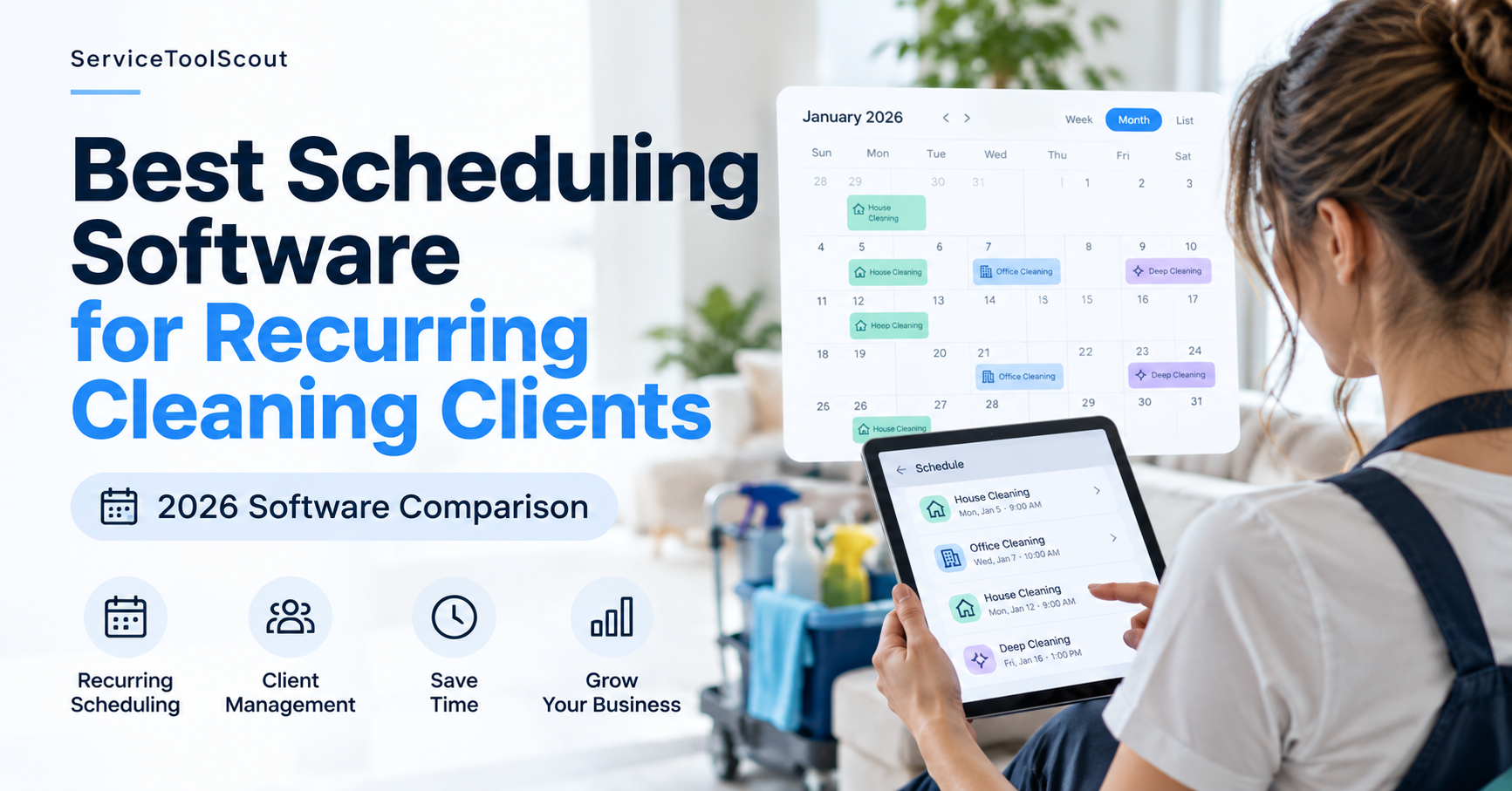
Managing recurring cleaning clients gets complicated fast. Weekly, biweekly, and monthly appointments need to stay organized while you manage staff schedules, customer changes, reminders, payments, and last-minute rescheduling.
In this guide, we compare scheduling software designed for cleaning businesses and other service companies, focusing on the features that matter most for recurring cleaning appointments.
Disclosure: Some links on this page may be affiliate links. If you purchase through these links, ServiceToolScout may earn a commission at no additional cost to you. This does not affect how we evaluate or compare software.
Table of Contents
Quick Comparison: Scheduling Software for Recurring Cleaning Clients
| Software | Best For | Key Strength | Pricing |
| BookingKoala | Recurring cleaning businesses | Booking & scheduling automation | Check current pricing |
| Jobber | Small & growing service businesses | Scheduling + client management | Check current pricing |
| Housecall Pro | Growing home service teams | Scheduling + payments + operations | Check current pricing |
| Connecteam | Cleaning teams with employees | Staff scheduling & time tracking | Check current pricing |
BookingKoala — Best for Recurring Cleaning Businesses
BookingKoala is a booking and scheduling platform designed for service businesses, with features that can be particularly useful for cleaning companies managing recurring appointments. Businesses can organize bookings, manage customer information, assign jobs, and streamline parts of the scheduling process from one system.
For cleaning businesses with weekly, biweekly, or monthly clients, the main advantage is the ability to build a more automated booking workflow instead of manually recreating appointments and coordinating every scheduling change.
BookingKoala currently offers customizable booking forms and Smart Scheduling, allowing customers to book services based on the availability and rules set by the business. Its Starter plan currently begins at $27 per month, although pricing and plan features may change over time.
Pricing checked October 2026. Always verify current pricing on the provider’s website.
Why it works for recurring cleaning clients
- Recurring appointment scheduling
- Online booking capabilities
- Customer and booking management
- Team and provider scheduling
- Automated booking workflows
Who is BookingKoala best for?
BookingKoala is worth considering for residential cleaning businesses that rely heavily on recurring appointments and want customers to book services online. It may be especially relevant for businesses looking to reduce the amount of manual work involved in managing bookings and schedules.
For a deeper look at its features, pricing, pros and cons, read our full BookingKoala review.
Jobber — Best for Small and Growing Cleaning Businesses
Jobber is a field service management platform designed to help service businesses manage scheduling, customers, quotes, invoices, and payments in one place. For cleaning companies, it can provide a broader operational system than a scheduling-only tool.
For businesses with recurring cleaning clients, Jobber can be useful when scheduling needs to work alongside customer management, invoicing, and day-to-day operations. This makes it particularly relevant as a cleaning business grows beyond a simple calendar-based workflow.
Jobber supports recurring jobs with repeating visit schedules and flexible billing options, including per-visit and fixed-price invoicing. It also offers online booking, allowing customers to choose available appointment times based on your team’s schedule.
Jobber currently starts at $29 per month with annual billing for its Core plan. Monthly pricing and included features vary by plan and team size.
Pricing checked October 2026. Always verify current pricing on the provider’s website.
Why it works for recurring cleaning clients
- Recurring job scheduling
- Client management
- Quotes and invoicing
- Online payments
- Team scheduling and job assignment
Who is Jobber best for?
Jobber is worth considering for cleaning businesses that want scheduling to be part of a broader system for managing customers and business operations. It may be particularly useful for small teams that expect to grow and need more than basic appointment scheduling.
Want a closer look at Jobber? Read our full Jobber review for its features, pricing, pros and cons.
Housecall Pro — Best for Growing Home Service Teams
Housecall Pro is a field service management platform built for home service businesses. It combines scheduling and dispatching with customer management, estimates, invoicing, payments, and other tools for managing day-to-day operations.
For cleaning businesses with recurring clients, Housecall Pro can be useful when appointments, staff assignments, customer communication, and payments need to be managed within the same workflow. Its broader feature set may be more relevant to businesses that are expanding their teams and operations.
Housecall Pro supports recurring jobs with daily, weekly, monthly, yearly, and custom schedules. Businesses can also change an individual recurring job or update the current and future jobs in the series, which can be useful when recurring cleaning schedules change.
Housecall Pro currently starts at $59 per month for one user when billed annually on the Basic plan. The Basic plan is currently $79 per month when billed monthly. Pricing and included features vary by plan and number of users.
Pricing checked October 2026. Always verify current pricing on the provider’s website.
Why it works for recurring cleaning clients
- Recurring job scheduling
- Scheduling and dispatching
- Customer management
- Estimates, invoices, and payments
- Team and job management
Who is Housecall Pro best for?
Housecall Pro is worth considering for established or growing cleaning businesses that need more than a basic scheduling tool. It may be a good fit for teams that want to manage scheduling, customers, payments, and field operations from a single platform.
Connecteam — Best for Cleaning Teams With Employees
Connecteam focuses on workforce management and is designed for businesses with deskless and mobile employees. Its tools include employee scheduling, time tracking, team communication, task management, and other features for coordinating workers in the field.
For cleaning companies, Connecteam approaches scheduling primarily from the employee-management side. This can make it particularly useful when coordinating cleaners, shifts, working hours, and team communication is a bigger challenge than customer booking.
Connecteam combines employee scheduling with time tracking, task management, checklists, and team communication. For cleaning companies with mobile employees, these tools can help coordinate who is working, when they are scheduled, and what needs to be completed at each job.
Connecteam currently offers a Small Business Plan at $0 per month for businesses with up to 10 users, with access to its three main hubs. This can make it particularly relevant for small cleaning teams that want to manage employees without immediately adding another monthly software expense.
Pricing checked October 2026. Always verify current pricing and plan features on the provider’s website.
Why it works for cleaning teams
- Employee scheduling
- Time tracking
- Team communication
- Task and workflow management
- Tools for managing mobile employees
Who is Connecteam best for?
Connecteam is worth considering for cleaning businesses where employee coordination is the main priority. It may be especially relevant for companies with multiple cleaners or crews that need better visibility into schedules, working hours, tasks, and team communication.
Which Scheduling Software Should You Choose?
The right scheduling software depends on how your cleaning business operates. A solo cleaner managing recurring residential clients may need something very different from a growing company coordinating multiple crews.
Choose BookingKoala if recurring bookings are you
BookingKoala may make sense if your business relies heavily on recurring residential appointments and online booking. Its booking-focused workflow can help reduce the manual work involved in managing repeat customers and appointments.
Choose Jobber if you want an all-in-one business management system
Jobber may be a better fit if you want scheduling alongside customer management, quotes, invoices, and payments. This can be useful for small cleaning businesses that expect their operational needs to grow over time.
Choose Housecall Pro if you are building a larger service operation
Housecall Pro may be worth considering if you need scheduling, dispatching, payments, and broader field service management tools as your team and customer base expand.
Choose Connecteam if employee management is the main challenge
Connecteam may be more relevant if coordinating cleaners, shifts, working hours, tasks, and team communication is your biggest scheduling challenge.
What to Look for in Cleaning Scheduling Software
Before choosing software, consider how well it handles the workflows your cleaning business uses every day.
- Recurring scheduling — Can you easily create weekly, biweekly, and monthly jobs?
- Rescheduling — How easy is it to change one appointment without disrupting the entire recurring schedule?
- Team assignment — Can you assign cleaners or crews to specific jobs?
- Customer reminders — Can the system automatically remind customers about upcoming appointments?
- Online booking — Can customers request or book cleaning services online?
- Payments and invoicing — Can appointments connect directly with invoices and payments?
- Customer management — Can you keep contact details, service history, and job information organized?
- Ease of use — Can you and your team realistically use the system every day?
How Much Does Cleaning Scheduling Software Cost?
Pricing for cleaning scheduling software varies depending on the number of users, features, and the size of your business. Some platforms focus on booking and scheduling, while others include broader tools such as CRM, invoicing, payments, employee management, and automation.
When comparing plans, look beyond the monthly price. Consider whether the software can replace other tools you currently pay for and whether features such as recurring scheduling, online booking, reminders, payments, or additional users require a higher-tier plan.
Because software pricing and plan features can change, check each provider’s current pricing before making a decision.
Frequently Asked Questions
What is the best scheduling software for a cleaning business?
The right option depends on the business. Cleaning companies focused on recurring bookings may prioritize booking automation, while growing teams may need stronger customer, employee, invoicing, or field-service management features.
Can cleaning scheduling software handle recurring appointments?
Many scheduling platforms support recurring jobs or appointments, but the way recurring schedules are created, changed, and assigned can differ between products. Check whether the software supports the weekly, biweekly, or monthly workflows your business uses.
Do I need scheduling software if I am a solo cleaner?
Not necessarily. A simple calendar may be enough when you have only a few clients. Scheduling software becomes more useful as recurring appointments, customer reminders, online booking, payments, or administrative work become harder to manage manually.
What should a small cleaning team look for in scheduling software?
Small teams should consider recurring scheduling, cleaner assignment, customer management, reminders, time tracking, invoicing, payments, and ease of use. The best feature set depends on whether customer scheduling or employee coordination is the bigger challenge.
Can customers book cleaning services online?
Some cleaning and field-service platforms provide online booking or request forms that can be added to a business website. The exact booking workflow and available features vary by platform and plan.
Final Thoughts
Scheduling software can become much more valuable as a cleaning business adds recurring clients, employees, and administrative work. The key is to choose a platform around the way your business actually operates rather than simply choosing the product with the longest feature list.
Compare how each option handles your recurring schedules, customer workflow, team management, and payments, then verify the current features and pricing before starting a plan.
Explore more tools and comparisons in our Cleaning Business Software guide.
Running a commercial cleaning company? See our guide to the best software for small commercial cleaning companies for options focused on recurring contracts, employee coordination, invoicing, and multi-location work.
「Best Scheduling Software for Recurring Cleaning Clients (2026)」への3件のフィードバック